Storage usage in your menu bar.
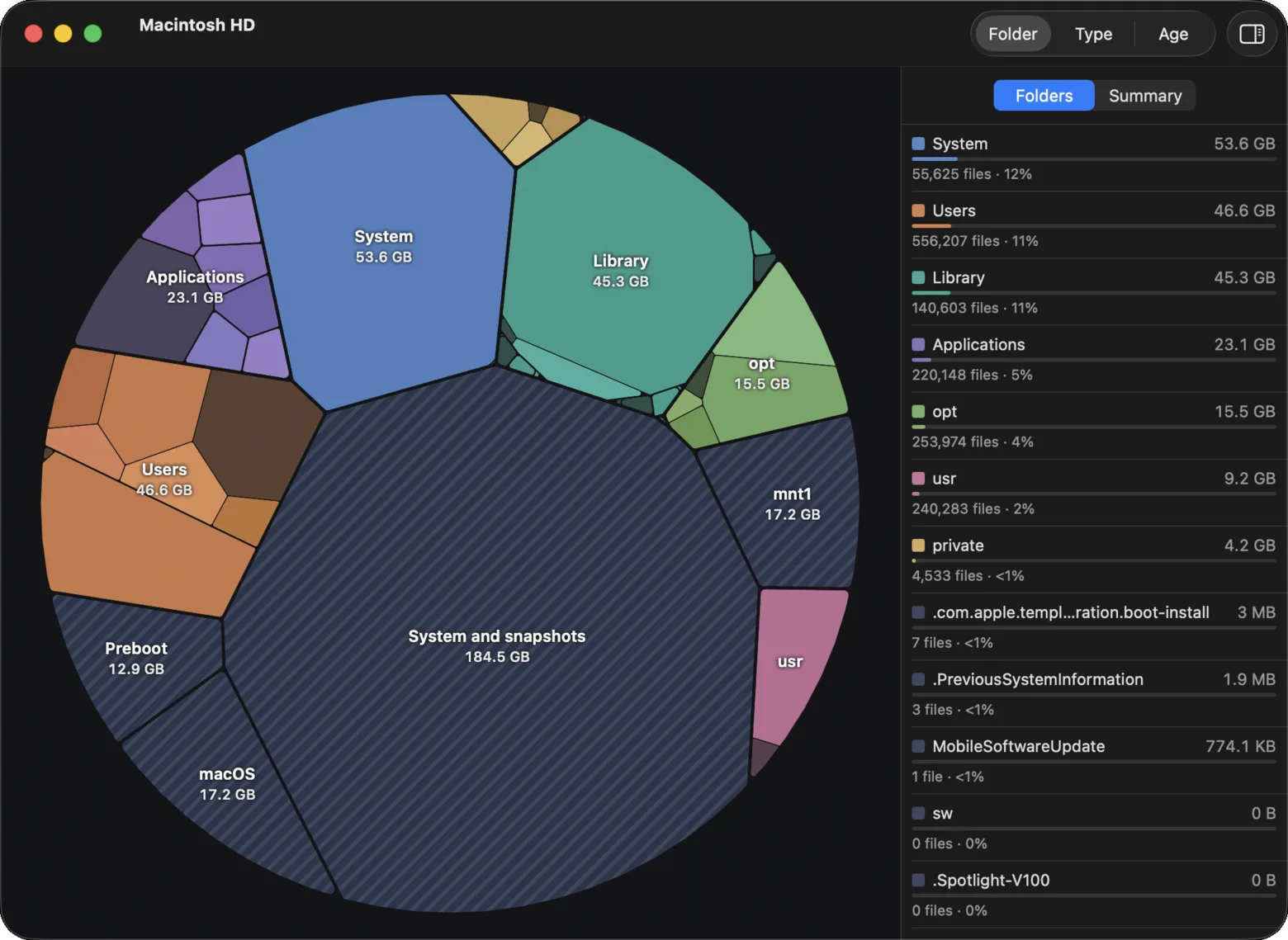
Storage Menu is a native macOS menu bar app that shows used and free disk space for your Mac and external drives, with a warning you control for each volume and a map of the folders that fill each disk.
Storage MenuVolumes: 6
- Macintosh HD64%314.1 GB / 494.4 GB180.3 GB free
- Code25%76.3 GB / 300 GB223.7 GB free
- DevCache16%81.7 GB / 500 GB418.3 GB free
- External SSD<1%316 MB / 199.2 GB198.9 GB free
- LLM3%34.1 GB / 1 TB965.9 GB free
- Skills3%27.4 MB / 1 GB972.6 MB free
Up to date
Volumes
Choose which volumes appear in the menu bar and configure disk space warnings.
- Macintosh HD/64%
- Code/Volumes/Code25%
- DevCache/Volumes/DevCache16%
- External SSD/Volumes/External SSD<1%
- LLM/Volumes/LLM3%
- Skills/Volumes/Skills3%
Changes are applied automatically.
Interactive demo with sample volumes.
Download on the Mac App Store
macOS 14+ Apple Silicon & Intel
Privacy
Storage Menu collects no data. No telemetry. The disk map reads a volume only after you choose Analyze and allow it, and it changes nothing. Everything stays on your Mac.
Terms
Storage readings come from macOS and may take a moment to update. App Store downloads follow Apple’s Standard EULA.